介绍
PicView 是一款开源的图片浏览器,“小巧“、快速,支持查看压缩包图片,支持 Webp、psd、svg、RAW 等格式,便携、无广告,单可执行文件即开即用。
软件截图
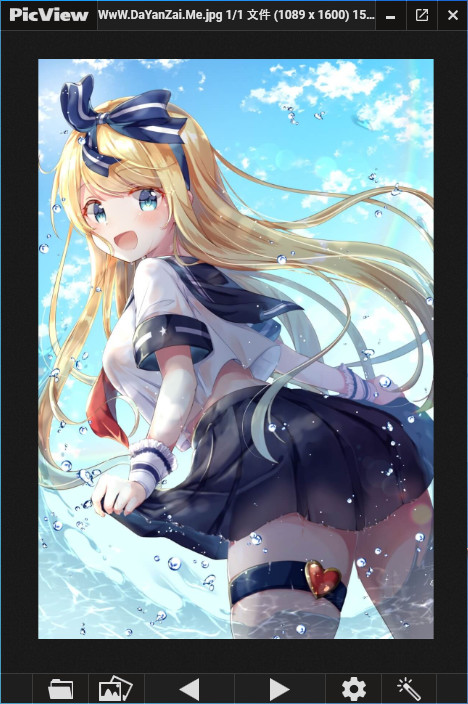
软件特点
如果您安装了 7-Zip 或 WinRAR,您可以查看压缩文件中的图像,例如 .zip、.rar 等,以及漫画书压缩文件(.cbr、.cb7、.cbt、.cbz、.cba)。
快速启动时间和内置预加载器可立即查看下一张图像
对于具有透明背景的图像,可以通过按 T 将背景更改为棋盘格背景、深色背景或白色背景。
可以通过按 Alt + Z 切换界面以仅显示图像。
图像 EXIF 评级
在复制图像或将其设置为墙纸或在本地保存文件时将应用的 27 种不同图像过滤器之间的预览
图片库
按以下方式对文件进行排序:名称、文件大小、创建日期、上次访问、最新编辑、文件扩展名和随机
悬停按钮和彩色窗口边框可以在设置窗口中打开/关闭。
基本编辑:旋转、翻转、裁剪、更改文件类型
从夹子支持拖放/粘贴文件、文件夹、URL 和档案
滚动功能(考虑到漫画/漫画)
在外部应用程序中打开文件,在文件夹中显示或查看文件属性
颜色选择器
通过按 F2 或右键单击标题栏中的文件来重命名或移动文件。
更新日志
- Added a new tab in the Settings window to associate PicView with supported files (#157).
- Introduced new options to enable or disable confirmation dialogs when moving files to the recycle bin or permanently deleting them (#195).
- Added a new menu in the Settings window that allows you to open the keybindings file, access the user settings file, or reset settings to their default values.
Improvements
- PicView now loads large images progressively, drastically reducing visual loading times for very large files.
- Added navigation arrows for backward and forward movement in the tab history within the Settings window.
Bug Fixes
- When maximized, PicView now displays a restore icon instead of a fullscren icon; clicking it restores the window rather than switching to fullscreen.
- Fixed incorrect rendering at startup when scrolling is enabled.
- The scrollbar is now correctly positioned at the right edge in both maximized and fullscreen states.
- The bottom gallery is now properly sized when scrolling is enabled.
- Restored the print functionality (#194).
- PicView now correctly adds or removes gallery thumbnails when toggling the search of subdirectories on or off.
- Fixed a crash that occurred when toggling subdirectory searches on or off when no image was loaded or navigation was unavailable (#196).
- When viewing the image gallery, PicView now correctly displays the appropriate translation and function for closing the gallery, depending on whether it is fully opened or in bottom mode.
- Corrected the behavior of the
Escbutton, ensuring it now properly closes external windows and exits the Slideshow mode when enabled. - Fixed an issue where the update function always downloaded the latest version; it will now indicate when no new version is available.
- Fixed tool windows exceeding the screen size on smaller resolutions.
Miscellaneous
- Replaced parts of the previous color scheme with new, improved colors.
- Implemented various style improvements and fixes.
- Adjusted the slider, for setting navigation speed when holding down the key, to have better tick intervals.
- Refined the grammar and phrasing for both English and Danish translations.
- PicView now defaults to the Dark Theme when no settings are present, regardless of the system theme.
- Added missing translations in the
Open fileandSave asdialogs.