介绍
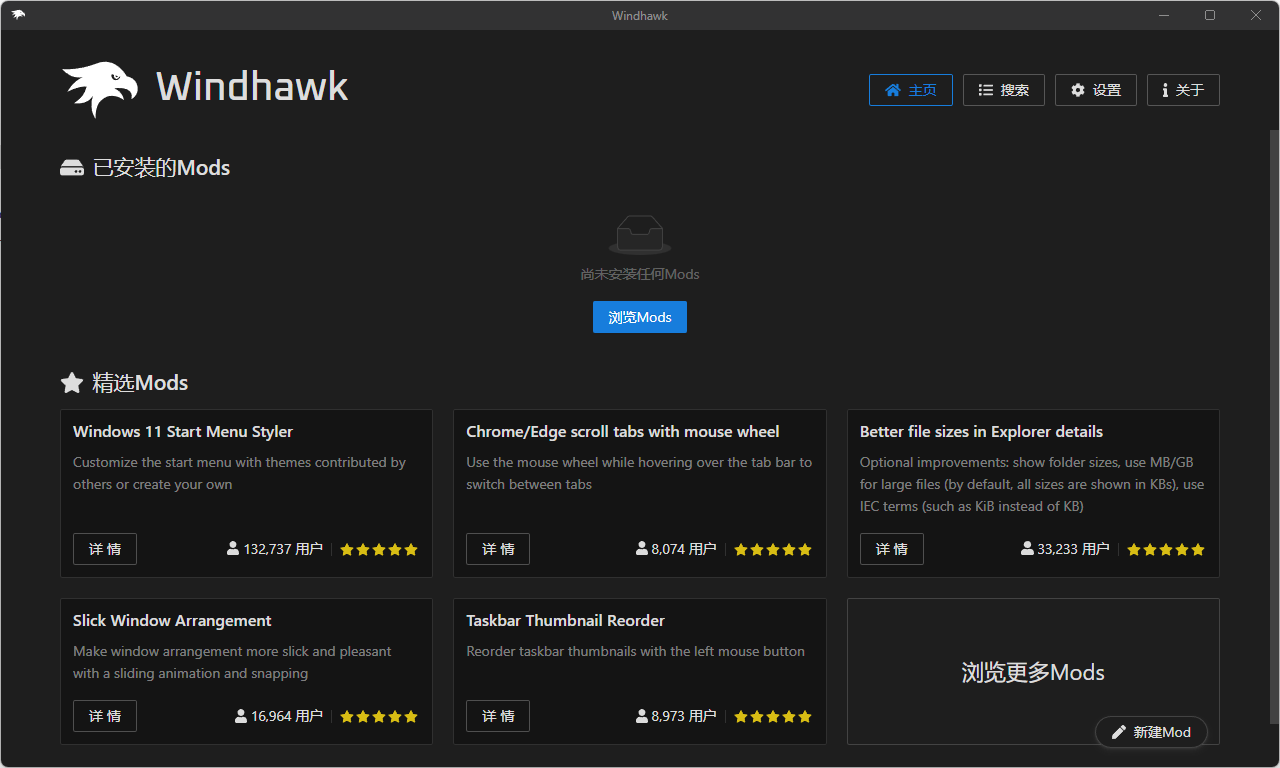
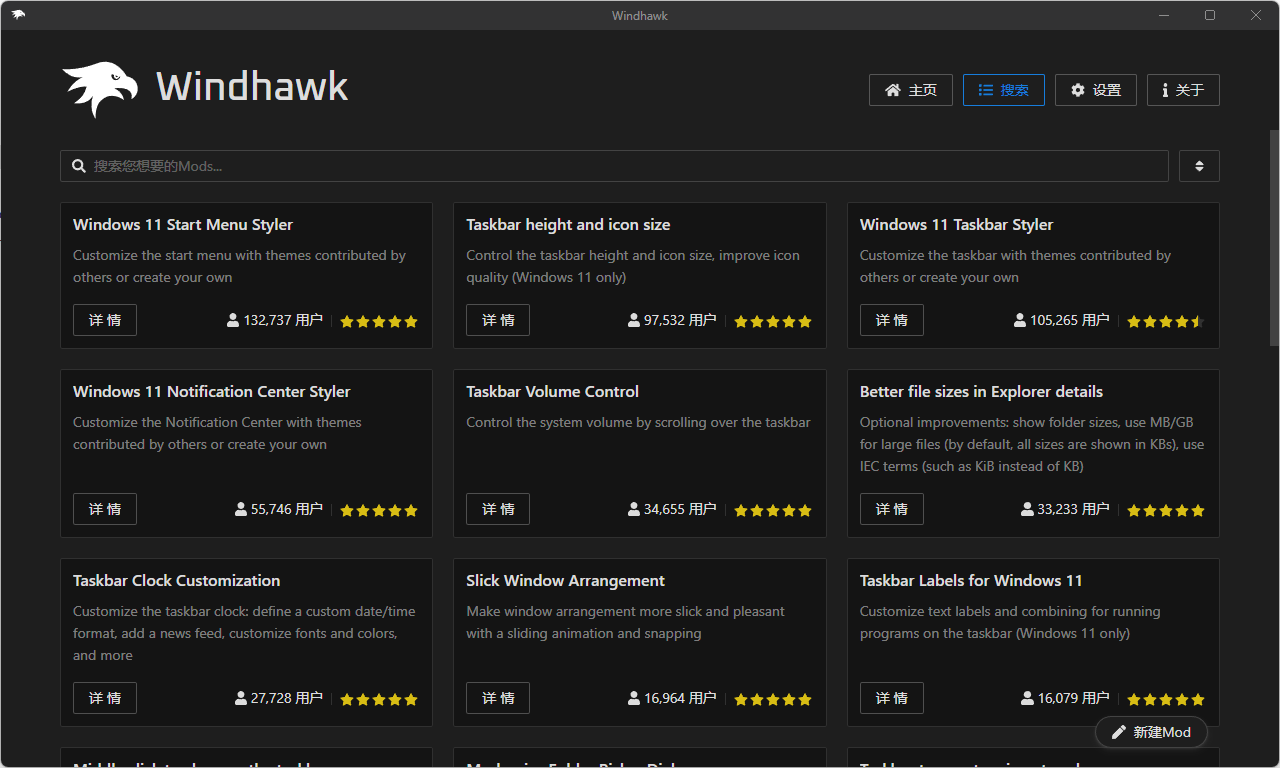
一款针对 Win11 / 10 的自定义修改软件,它与传统的修改软件不一样的是,它采用了 “模块” 化,也可以理解为插件,通过安装不同的模块来实现一些功能。
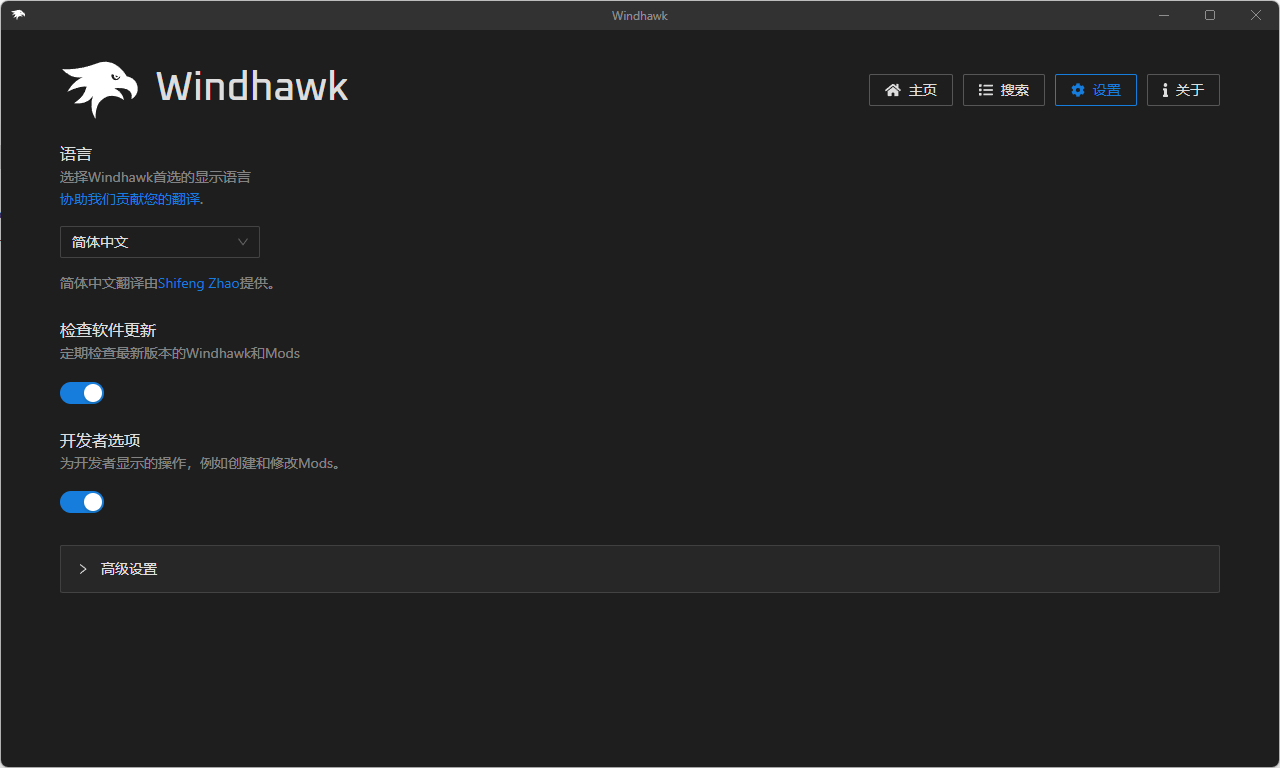
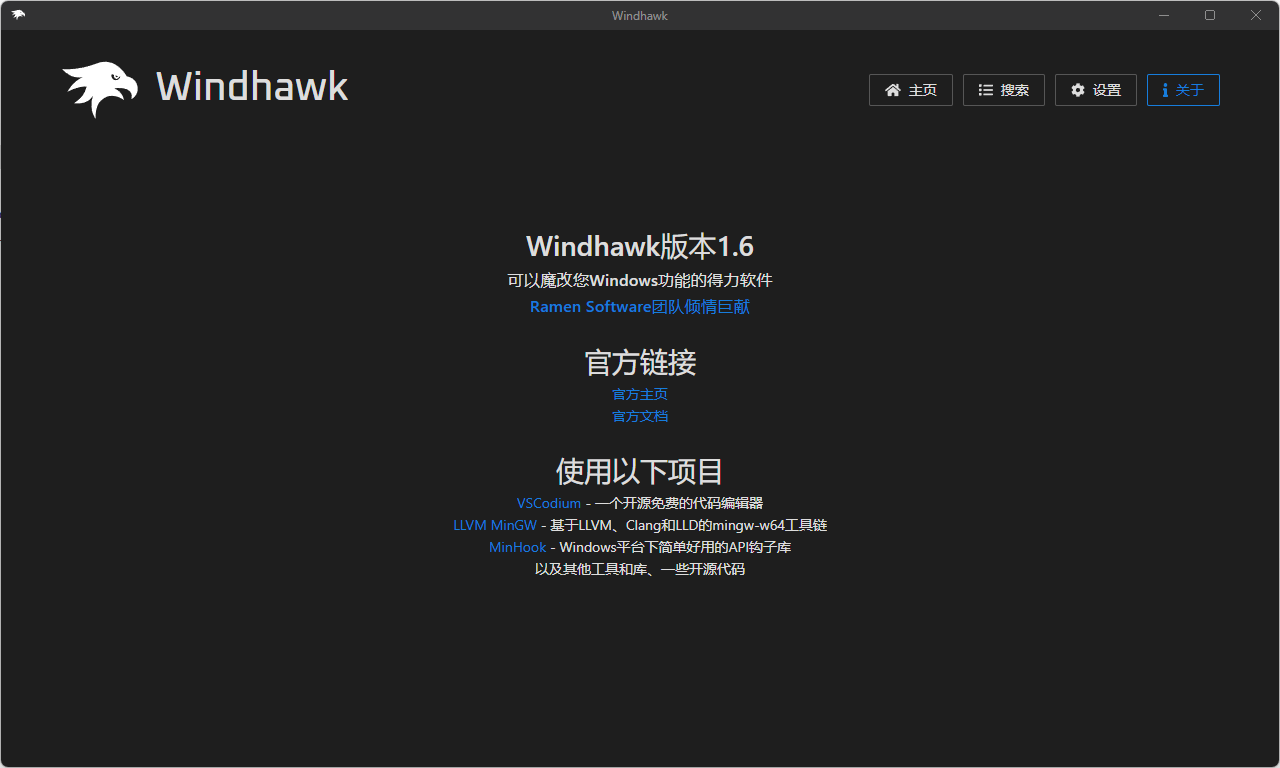
软件截图
软件特点
自定义任务栏时钟 – 添加秒数、定义自定义日期 / 时间格式、添加新闻提要等
打开 Windows 11 开始菜单后,立即显示所有应用
通过滚动任务栏来控制系统音量
在任务栏上单击鼠标中键关闭程序,而不是创建新实例
为记事本开启暗黑模式
通过滑动动画使窗口布置更加流畅
禁用任务栏上的分组,在任务栏为每个新窗口创建一个单独的按钮
使用鼠标滚轮切换 Chrome / Edge 标签页
使用鼠标左键重新排列任务栏缩略图
用任何程序中的其他文本替换任何文本
使任务栏图标大而清晰,或小而紧凑(仅限 Win11)
通过注入自定义 JavaScript 和 CSS 代码,来调整 Microsoft Visual Studio Code
防止程序更改 Windows 计时器分辨率和增加功耗
在任务栏上显示正在运行的程序的文本标签(仅限 Win11)
自动拒绝(或接受)来自 WinDbg 的对话框,告知文件已更改
更新日志
v1.7
Windhawk now downloads pre-compiled mods by default instead of compiling them locally, significantly speeding up installations and updates. This can be disabled in the settings.
Added support for viewing and installing older mod versions.
Settings editor improvements:
Added a textual mode for editing settings in YAML format.
Settings can now be saved with Enter or Ctrl+S.
A warning is shown when leaving the settings tab with unsaved changes.
Multiple user interface improvements, including:
Added search, filtering, and list view for installed mods.
Added additional filtering options in the Explore view.
Mod cards in the Explore view now show additional metadata, and display a rating breakdown on hover.
Added back/forward navigation via Alt+Left/Right and mouse back/forward buttons.
Added zooming support with Ctrl+Plus/Minus, and reset zoom with Ctrl+0.
Custom process inclusion/exclusion lists for mods are now shown in the target processes tooltip.
Windhawk can now be updated with a single click from the About tab. (This becomes active starting with the next update.)
Mod description images now load from GitHub. Previously, some images loaded from Imgur, which is now blocked in the United Kingdom.
Mod development: Added support for the @license and @donateUrl metadata fields.
Added the following translations: Arabic, Hindi, and Thai.
Engine improvements and fixes
Added limited support for multiple concurrent users. Multiple users can now run separate portable Windhawk instances on the same machine, provided no instance is running with administrator privileges.
If internet connection is unavailable at launch, Windhawk now retries downloading debug symbols several times. This helps in cases where the connection becomes available only after a short delay following system startup.
Improved error handling for missing debug symbols. The operation is now retried after a long interval instead of repeatedly for each newly launched program.
Windhawk now uses the SlimDetours library for function hooking, improving compatibility with certain programs. Notably fixes an incompatibility with MacType that could cause a BSOD when exiting Windhawk (issue #527).
Improved handling of protected processes. Previously, loading or unloading mods in such processes could cause a crash. The list of loaded mods is now kept unchanged until the process restarts. Changes to mod enable/disable state take effect only after restarting the protected process. Fixes an incompatibility with simplewall (discussions #2084).
Fixed a possible crash when unloading mods.
Fixed an incompatibility that caused certain applications to fail to launch when Windhawk was running. Affected programs include SideFX Houdini (issue #525), Autodesk MotionBuilder 2020 (issue #687), Movavi Screen Recorder, and other programs by Movavi (issue #533).
Fixed an issue where some processes failed to shut down and were kept running indefinitely. Affected programs include MTool by AdventCirno (issue #558).
Fixed a rare crash on systems using certain non-English locales.