介绍
Twinkle Tray 中文版使您可以轻松管理多台显示器的亮度级别。 尽管 Windows 10 能够调节大多数显示器的背光,但它通常不支持外部显示器。 Windows 还缺乏管理多台显示器的亮度的任何功能。 该应用程序将一个新图标插入系统托盘,您可以在其中单击以立即访问所有兼容监视器的亮度级别。
软件截图
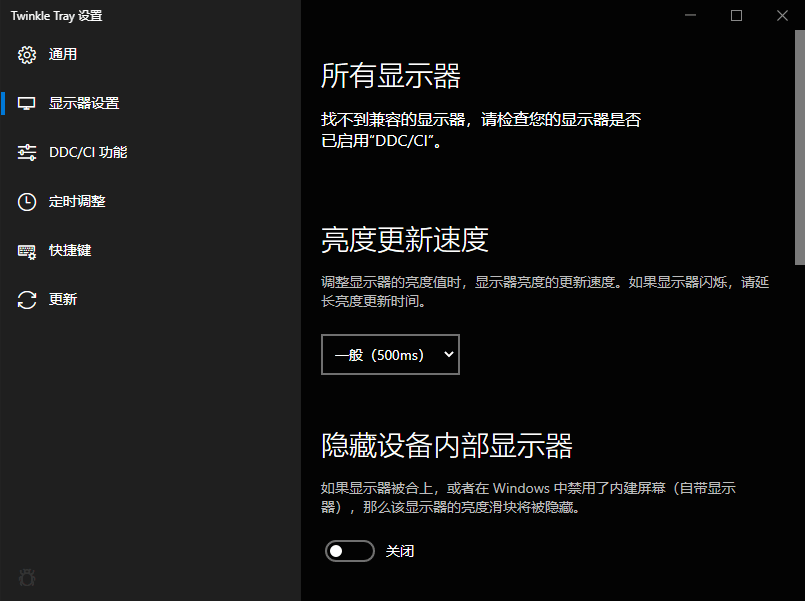
软件特点
- Twinkle Tray 可让您轻松管理一台或多台显示器的亮度水平。
- 在不同型号的显示器上标准化背光。
- 与 Windows 10 无缝融合。使用个性化设置来匹配任务栏。
- 从 Windows 启动。
- 可从系统托盘访问。
- 根据一天中的时间自动更改监视器的亮度。
- 提供多种语言(日语,西班牙语,俄语,法语,挪威语,德语,意大利语,中文,越南语,克罗地亚语)。
Twinkle Tray 使用 DDC/CI 和 WMI 与您的显示器通信。确保在显示器上启用了适当的选项,以便它可以与 Twinkle Tray 一起使用。该应用程序将一个新图标插入系统托盘,您可以在其中单击以立即访问所有兼容监视器的亮度级别。
更新日志
New in v1.17.2
Improvements:
- Added "calibration points" to the brightness normalization feature, so you can create a custom brightness curve for each display.
- You can now replace the default brightness slider with a custom VCP code.
- SDR sliders will now display when HDR is the only supported brightness method, such as on HDR TVs.
- Updated localizations.
- Updated dependencies.
Fixes:
- Fixed window focus tracking not working.
- Fixed errors displaying on the "DDC/CI Features" tab.